Burrow

What's your bedtime story?

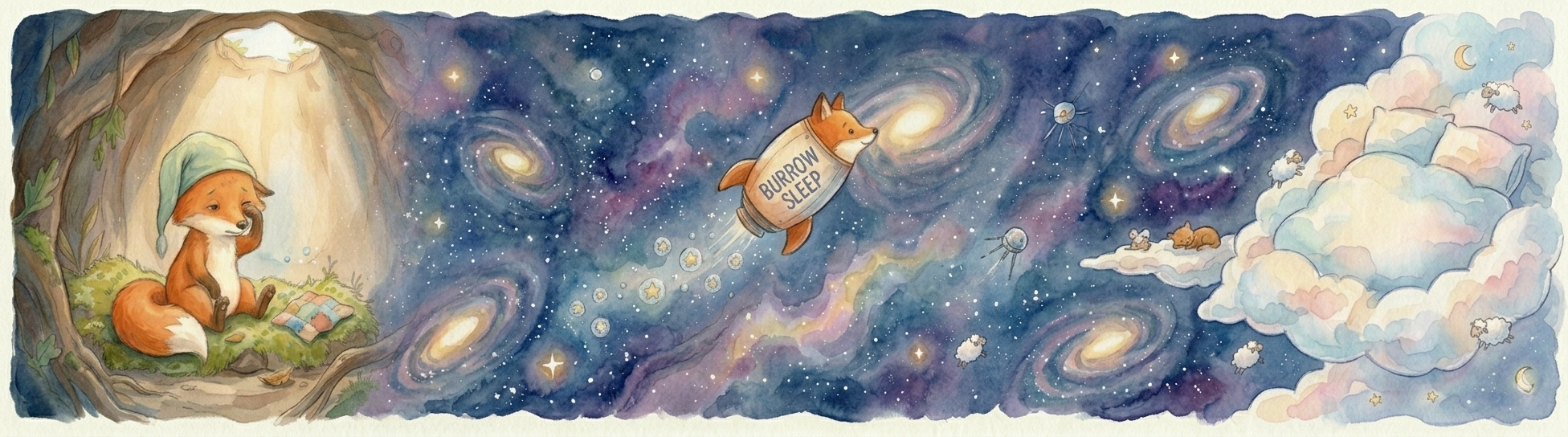
Burrow watercolor banner showing a fox in a burrow watching a fox rocket drift through galaxies toward a cloud of sleeping sheep.

Read into what's keeping you up at night.

Burrow helps fill in the missing pages between bedtime and morning, to understand what's keeping you from a more restful night's sleep.

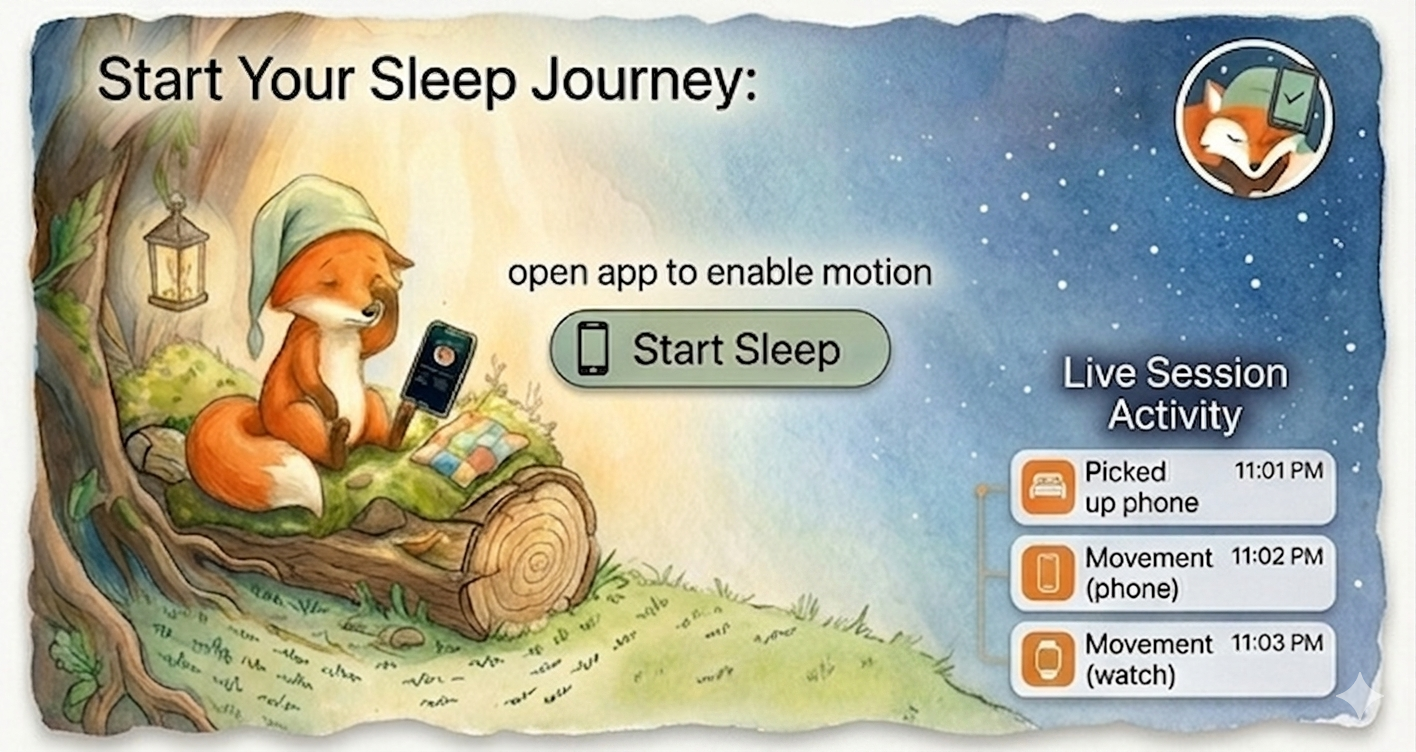
Watercolor session setup screen with a fox, Start Sleep button, and live session activity.
Session Setup

Start your sleep journey.

Open Burrow at bedtime, enable motion, and start a live sleep session. The night begins with the basics in view: device activity, time, and a simple start point.

  • Start Sleep from the bedside
  • Live phone and watch activity
  • A calm setup screen before lights out
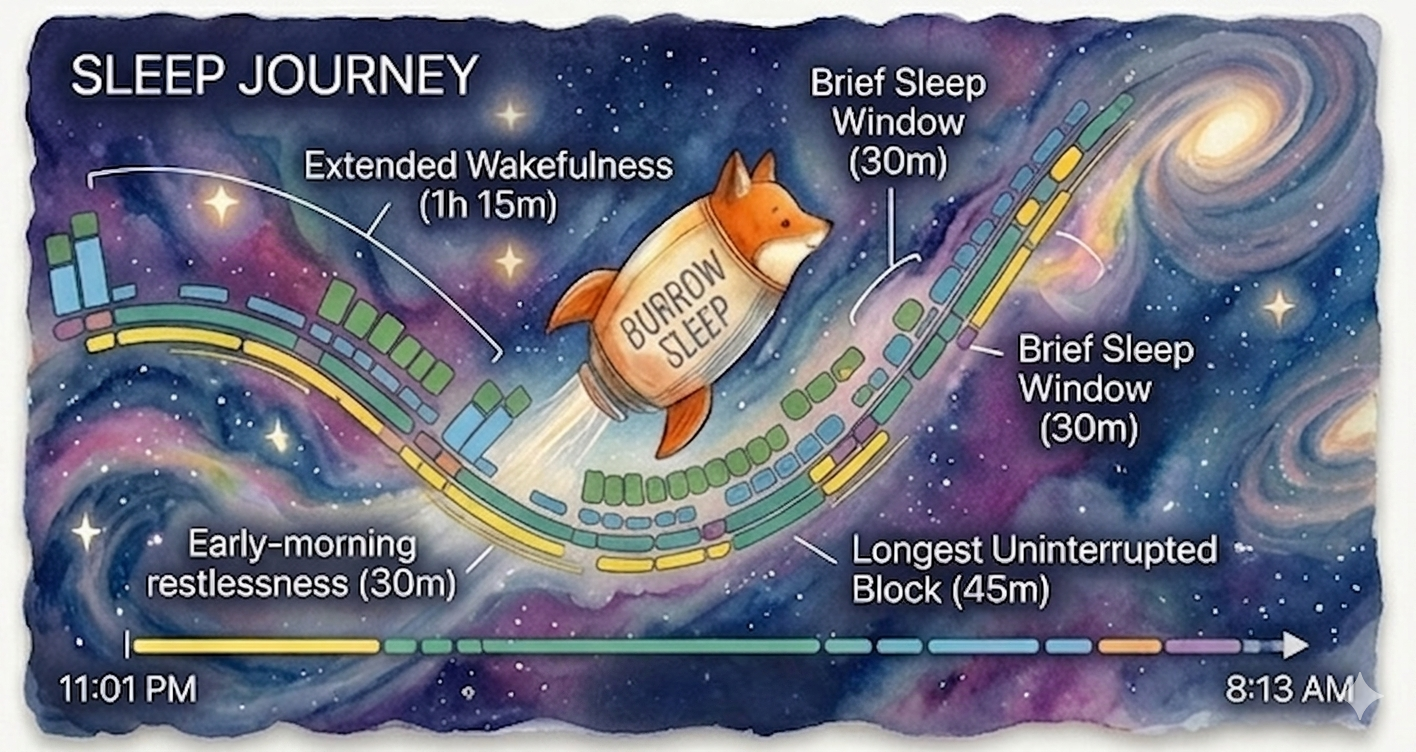
Watercolor sleep journey timeline across a starry sky with wakefulness and sleep-window labels.
Sleep Journey

Follow the path of the night.

As the night unfolds, Burrow turns movement and wakefulness into a timeline you can scan at a glance: restless stretches, sleep windows, and the longest calm block.

  • Wakefulness and sleep windows on one path
  • Restlessness called out in context
  • A full-night view from bedtime to morning
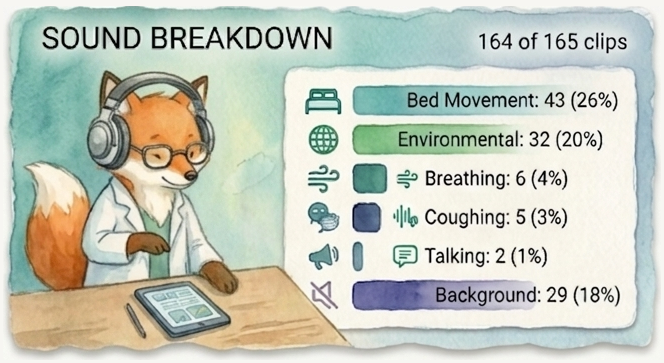
Watercolor sound breakdown panel with a fox at a desk and audio categories: bed movement, environmental, breathing, coughing, talking, background.
Sound Breakdown

Hear what you slept through.

Burrow groups every sound it caught across the night — bed movement, breathing, snoring, talking, ambient noise — so you can see the shape of the room at a glance instead of scrubbing through hours of audio.

  • Automatic on-device classification
  • Each tag shown as share of the night
  • Counts and percentages, side by side
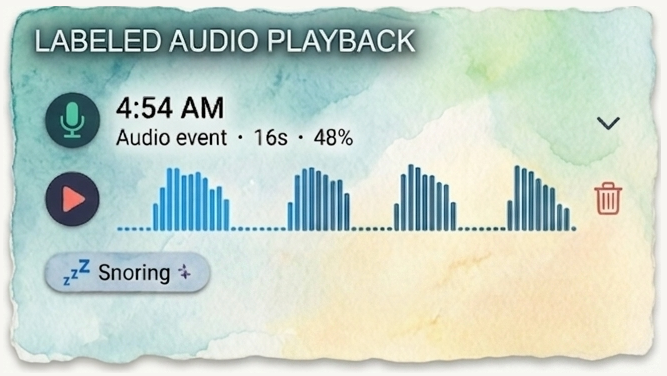
Watercolor audio playback panel showing a 4:54 AM audio event labeled as snoring, with a waveform.
Labeled Audio Playback

Automatic labels that learn from you.

Every sound is auto-labeled on-device — snoring, coughing, talking, environmental — the moment it happens. When Burrow gets one wrong, correct it with a tap and the model adjusts so the next night gets a little sharper.

  • Automatic labels for every detected event
  • Tap to relabel; mistakes train the model
  • Original audio and waveform on every clip
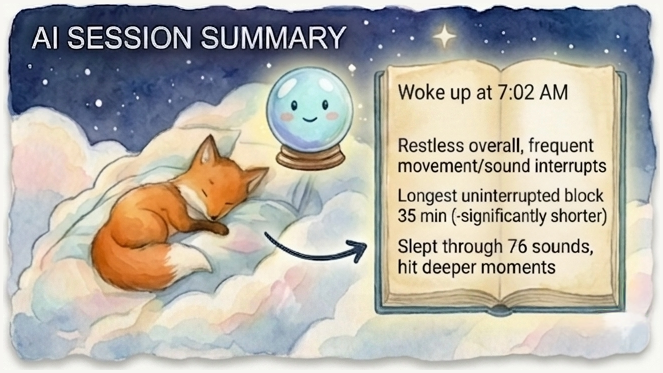
Watercolor AI session summary panel with a sleeping fox and a written morning summary on a crystal-ball-style page.
AI Session Summary

A morning read — and a chat about it.

Tap once for a plain-language summary: when you woke up, how restless the night was, where the long calm blocks landed, and what shaped your sleep most. Then keep going — ask follow-up questions in chat (“what woke me at 3 a.m.?”, “how did last night compare to this week?”), grounded in your actual session data.

  • Tap-to-generate; never automatic
  • Follow-up chat grounded in the night you just slept
  • Aggregated trends only — no raw audio sent
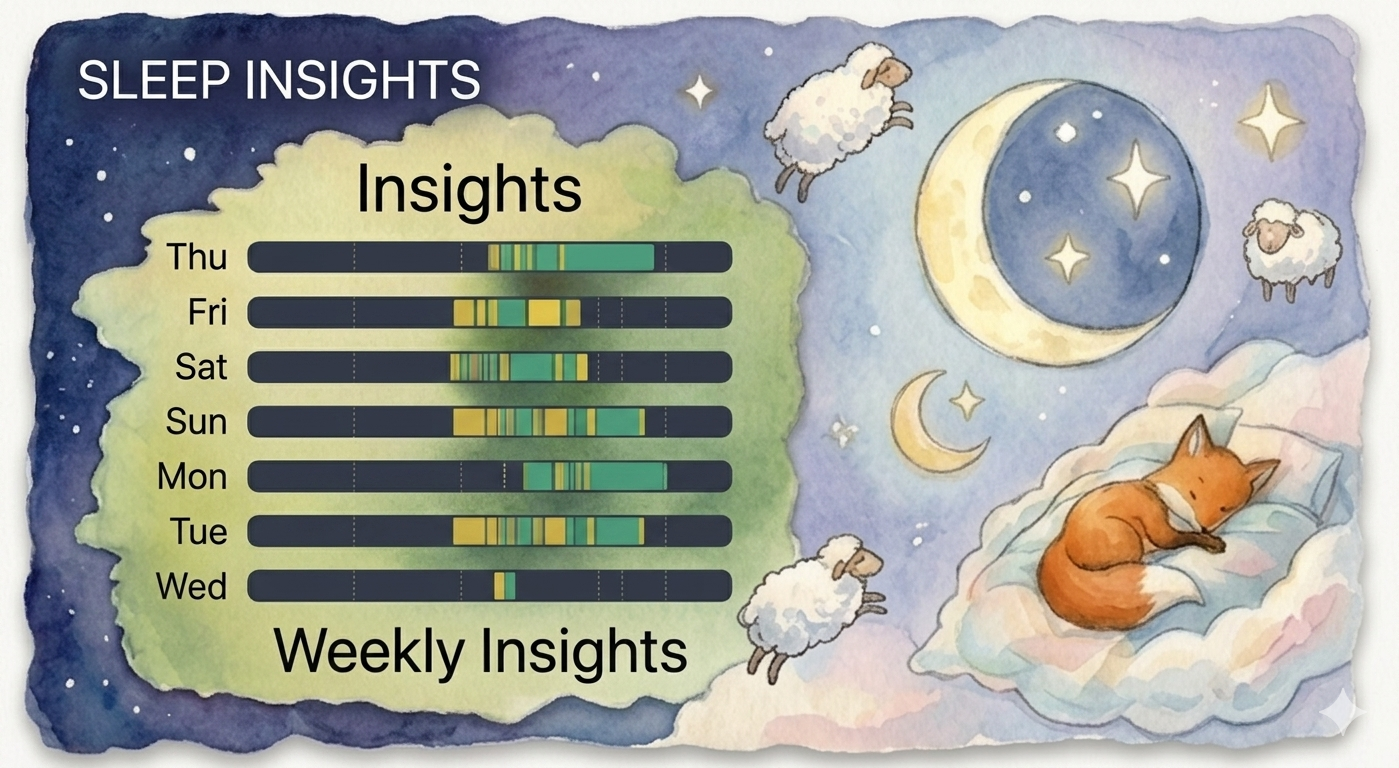
Watercolor sleep insights panel with a weekly chart, moon, sheep, and sleeping fox.
Sleep Insights

See the week take shape.

Over time, Burrow gathers nights into a weekly view. The repeated bars make patterns easier to spot, from steady blocks of sleep to nights with more interruptions.

  • A day-by-day weekly insights chart
  • Patterns shown without losing the storybook feel
  • History that gets clearer night by night

Your story stays yours

Nothing leaves the bedside.

Recordings, motion, and session history live on your phone. Burrow doesn't send your night anywhere — and the AI summary only runs when you tap the button, with aggregated trends, never raw audio or anything that points back to you.

Read the full privacy policy →

The end of the page

Drop us a note before bed.

We read every message — feedback, bug reports, questions about your night.